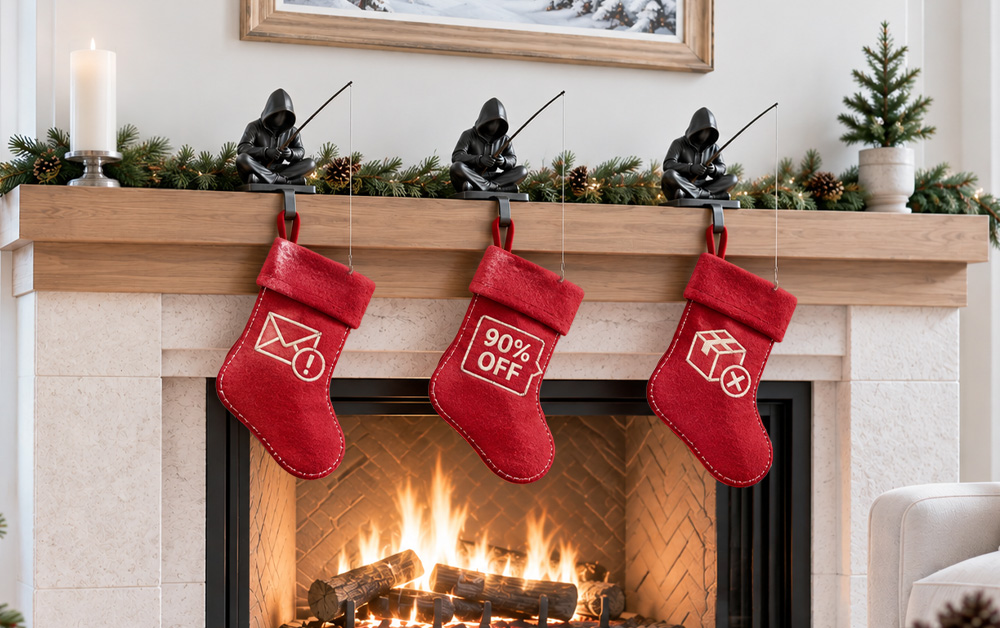
Four Online Holiday Shopping Scams That Can Reach Your Law Firm
The weather outside is not the only thing that is frightful during the holidays. Between online shopping, package deliveries and overflowing inboxes, the gift-giving season

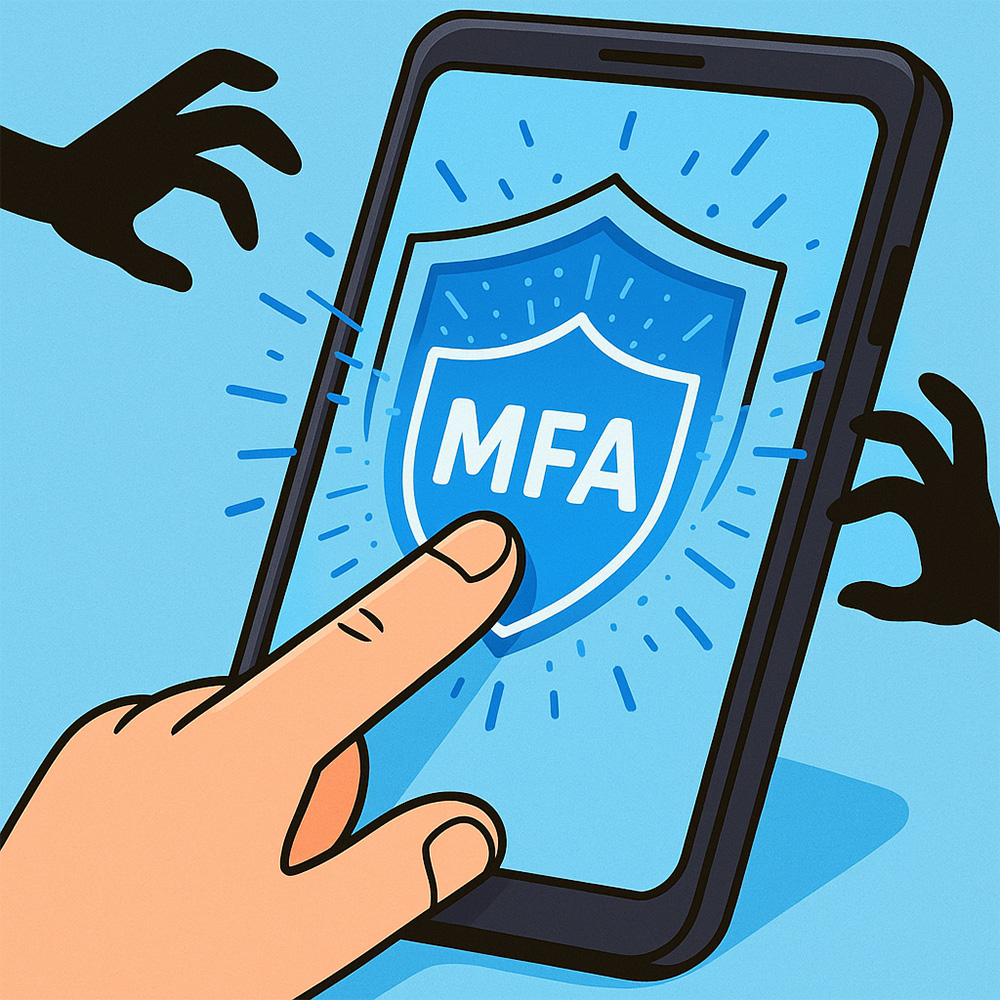
You wouldn’t drive without a seat belt. You wouldn’t leave your office unlocked overnight. So why go online without multifactor authentication (MFA)?
MFA is like a second lock on your digital door. Instead of relying on just a password – which can be stolen, guessed or phished – it adds another layer of protection, such as a text code, authentication app or fingerprint scan. Even if a hacker gets your password, without that second step they’ll hit a dead end.
If locking your front door at night is your password, arming your security system before heading to bed is MFA. Sure, it isn’t strictly necessary – but isn’t it nice to know that you’re still safe if one protection fails?
That’s exactly what MFA does. It simply adds a quick extra step to confirm that it really is you logging in. There are several terms for MFA, such as “two-step verification,” “two-factor authentication” or a “one-time password,” but it all means the same thing – two or more steps to confirm your identity before granting access to confidential information.
MFA takes a number of forms: account-creation confirmation e-mails, bank security questions, text codes, push notifications and phone calls. The majority of these are only a one-tap process.
While MFA is pretty easy and quick to deal with on your side of things – just click a button or enter a code and you’re done – the same can’t be said about things on the hackers’ end. If an unauthorized user attempts to log in to your account, having MFA enabled will first send you a notification or code to enter, alerting you to the password breach. This gives you a chance to change your password to something more secure, without all of your data getting stolen.
MFA will also stop anyone trying to use a stolen password to access your systems. Even if a hacker tricks an employee into sharing their login, they still won’t get in without that extra step. In fact, Microsoft found that enabling MFA reduces the risk of account compromise by over 99.2% – and by 99.99% for accounts with MFA enabled.
The most important places to have MFA enabled are:
Setting up MFA is usually straightforward. Many major platforms offer built-in MFA; simply enable one that works best for you and build it into your workflow. Adding an authenticator app can make staff logins more secure.
In short, MFA is a quick, free way to block the majority of account hacks. Taking a few minutes to enable it today can save you from weeks (or years) of damage control and data loss down the line.
The easiest way to set up MFA is to contact your IT provider. A knowledgeable MSP will make the process even smoother. If you’re in need of a cybersecurity expert, set up a discovery call with our team now.
Complete this form to get started and we will contact you to discuss the next steps. Or call us at 1-833-231-6182 to get started.

The weather outside is not the only thing that is frightful during the holidays. Between online shopping, package deliveries and overflowing inboxes, the gift-giving season

Your parents did something a certain way. You asked why once. “Because that is how it is done,” they said. Twenty years later, you are
Cybersecurity habits wane over the holidays, but your team is not being lazy or suddenly deciding they no longer care about security. They are operating